
스마트시대
ChatGPT clone + gitignore 본문
728x90
Project Setup
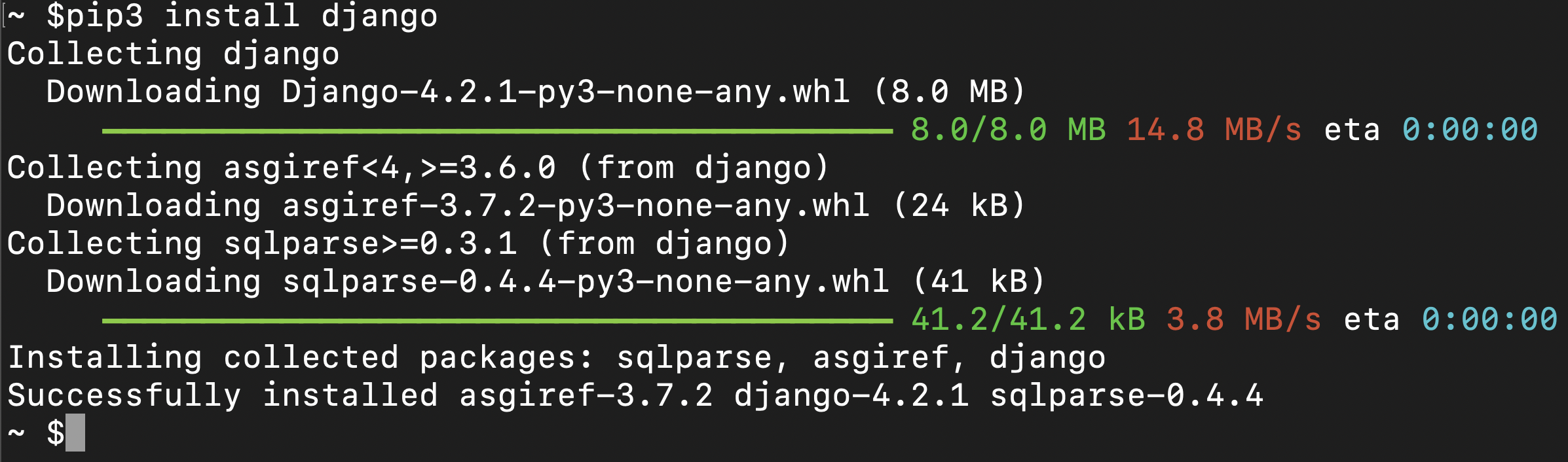
coding chatgpt_clone % django-admin startproject django_chatbot
coding chatgpt_clone % cd django_chatbot
coding django_chatbot % ls
django_chatbot  manage.py
coding django_chatbot % python3 manage.py startapp chatbot

coding django_chatbot % ls
chatbot         django_chatbot  manage.py
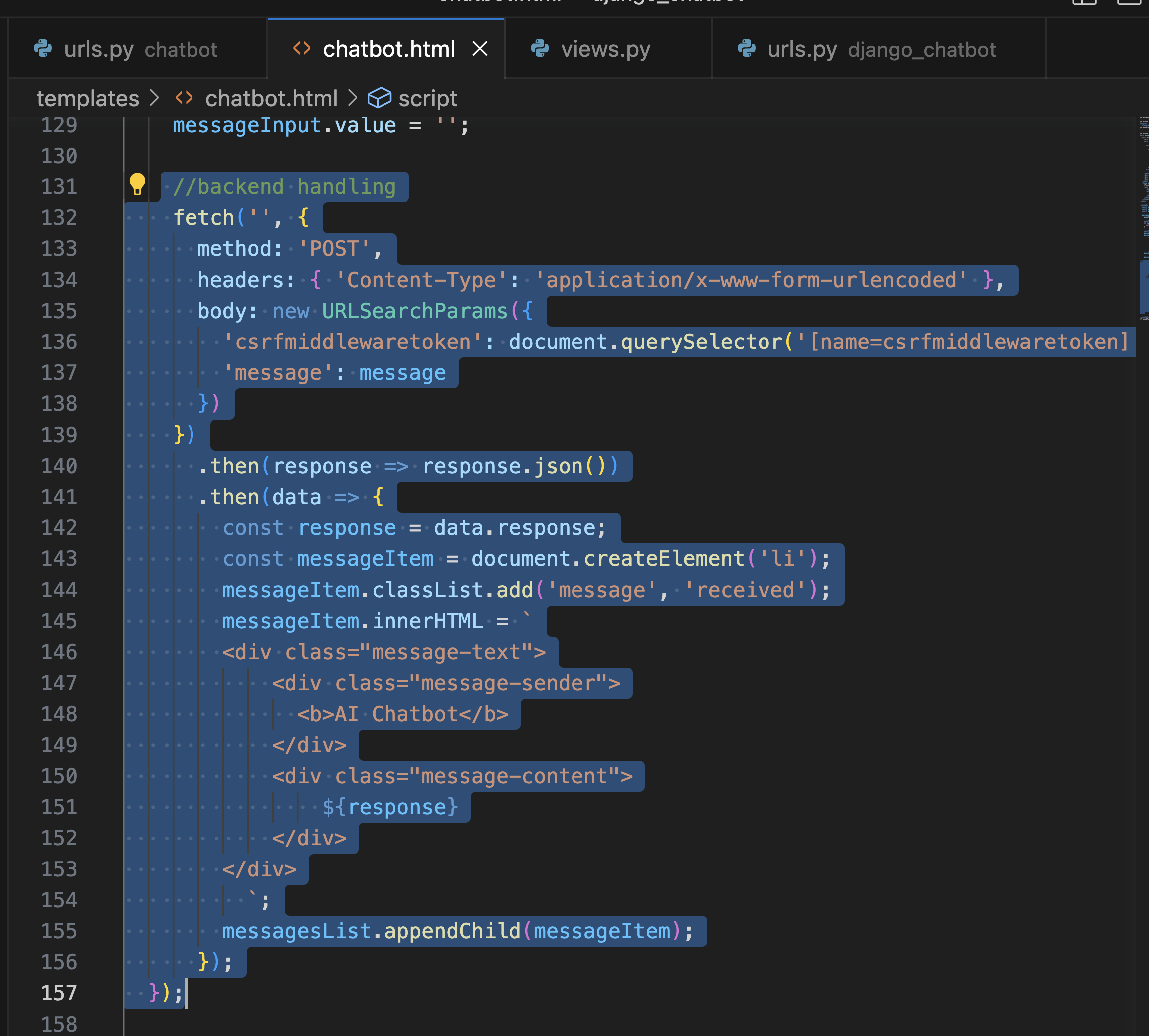
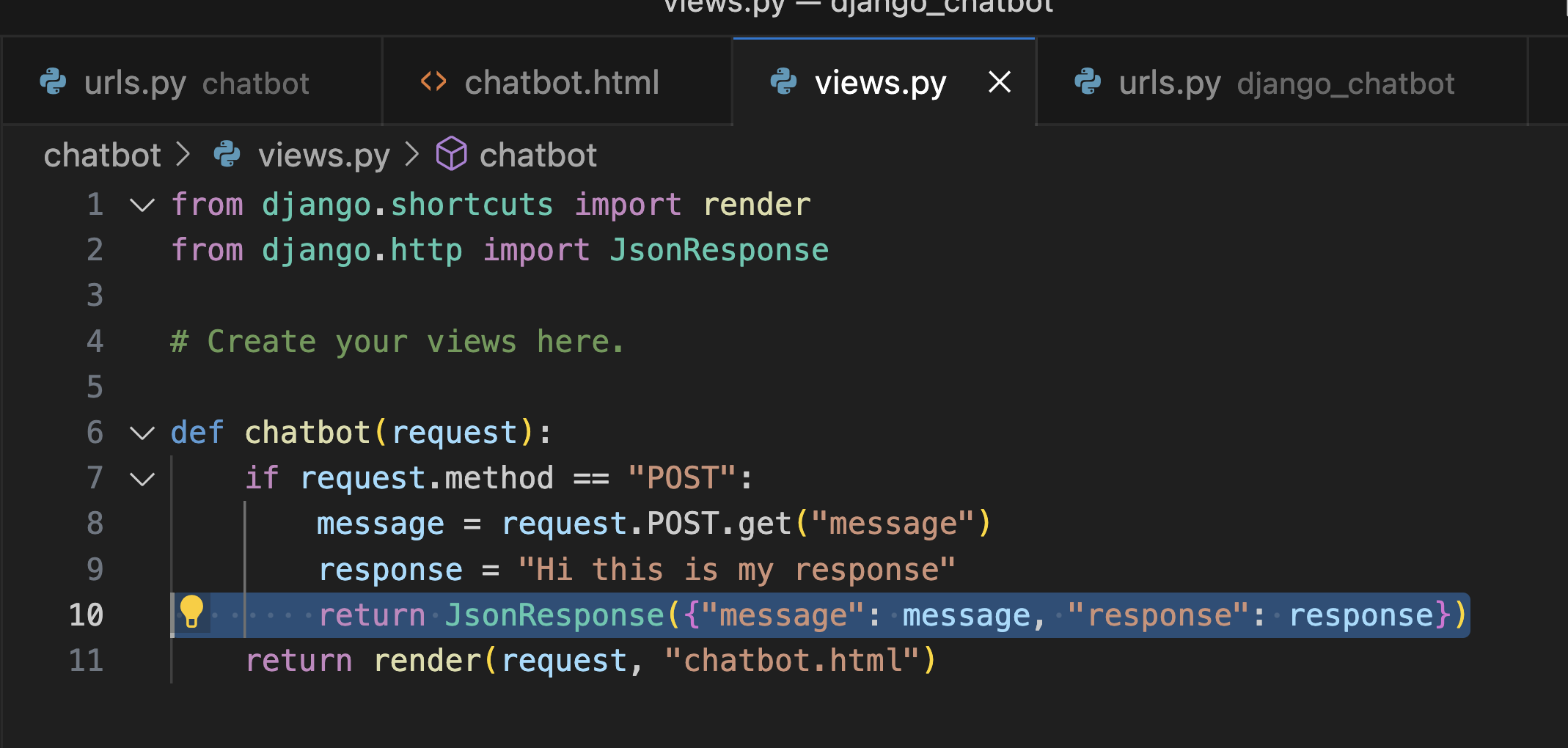
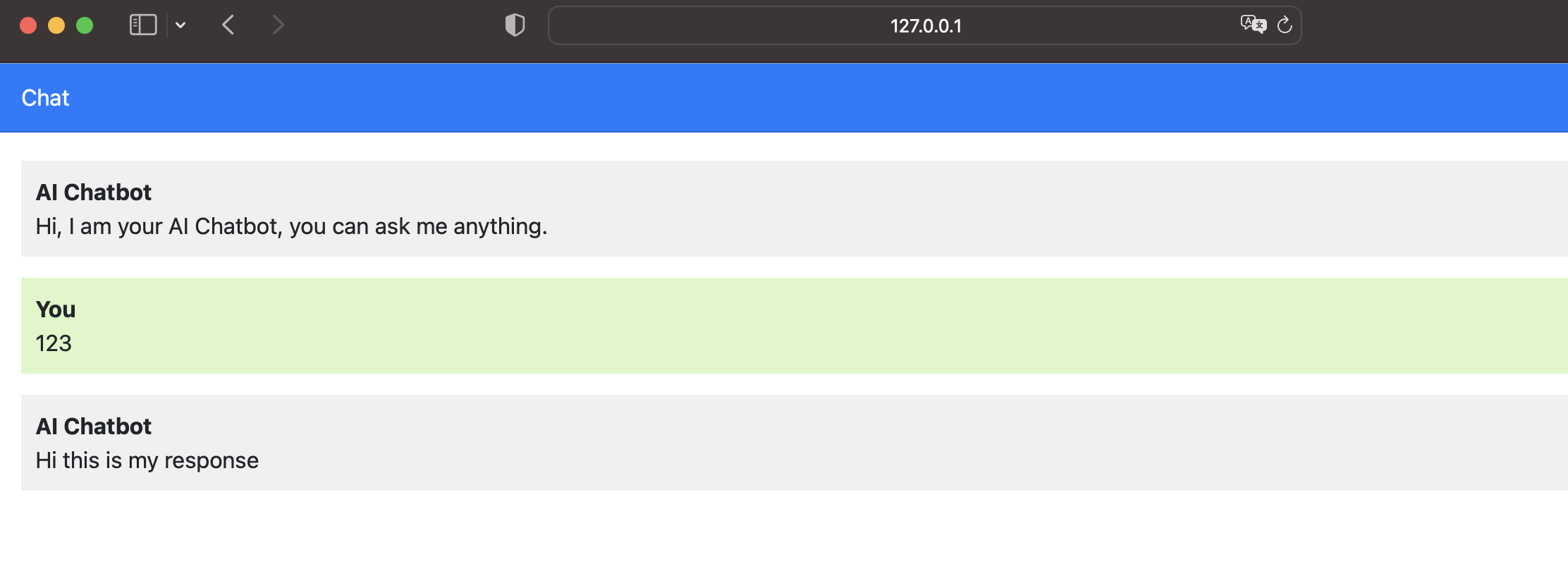
Frontend Integration & Project Build
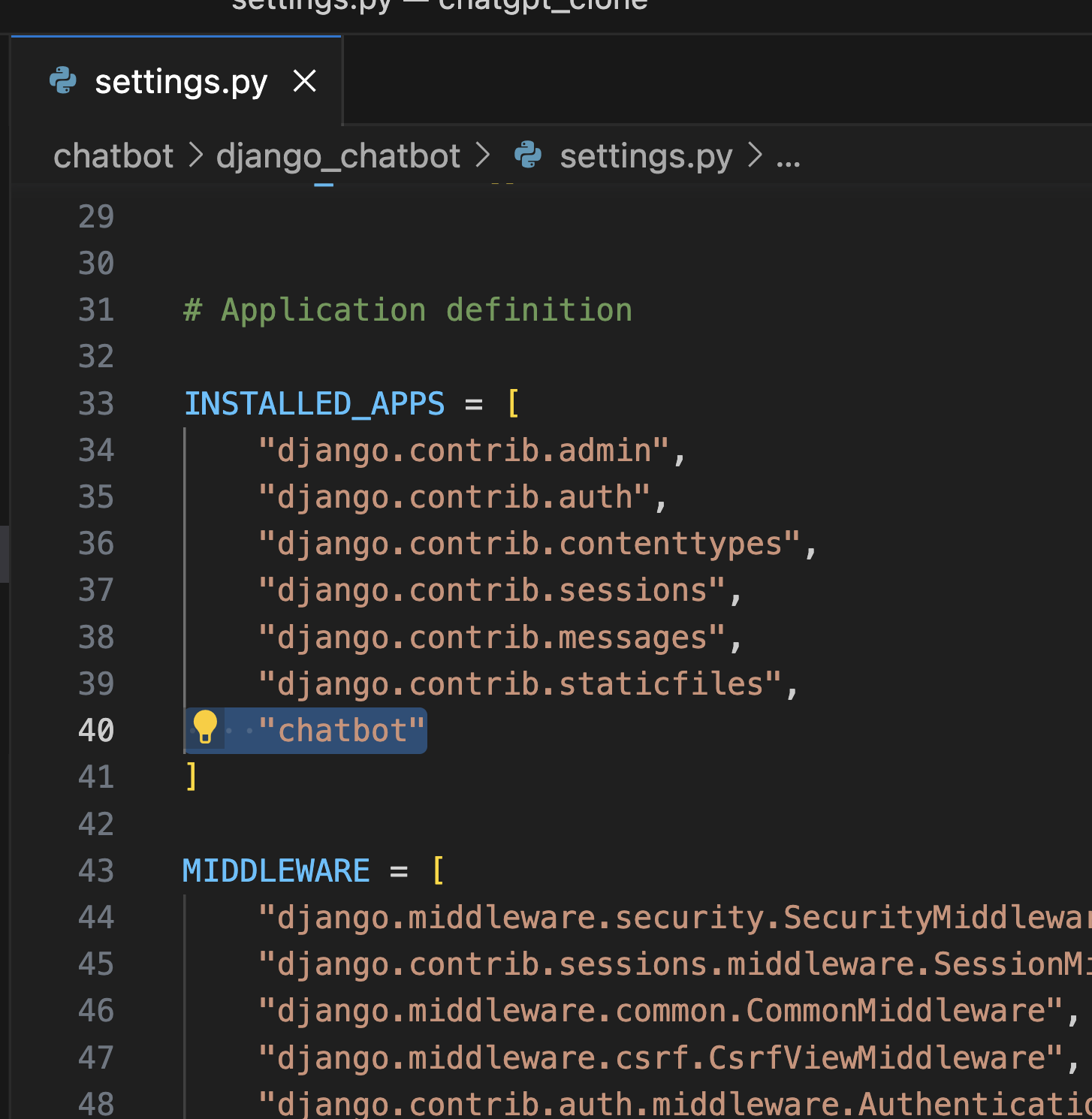
이거 만들기
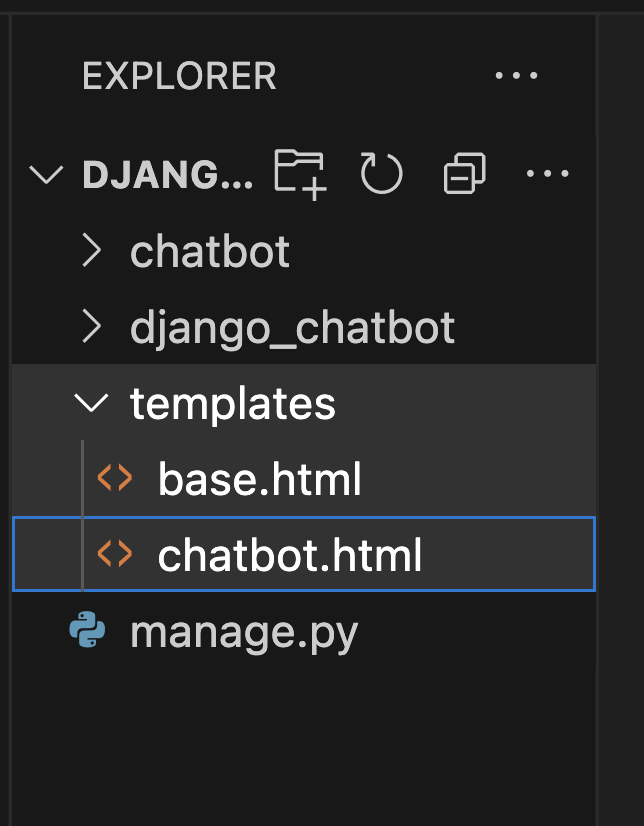
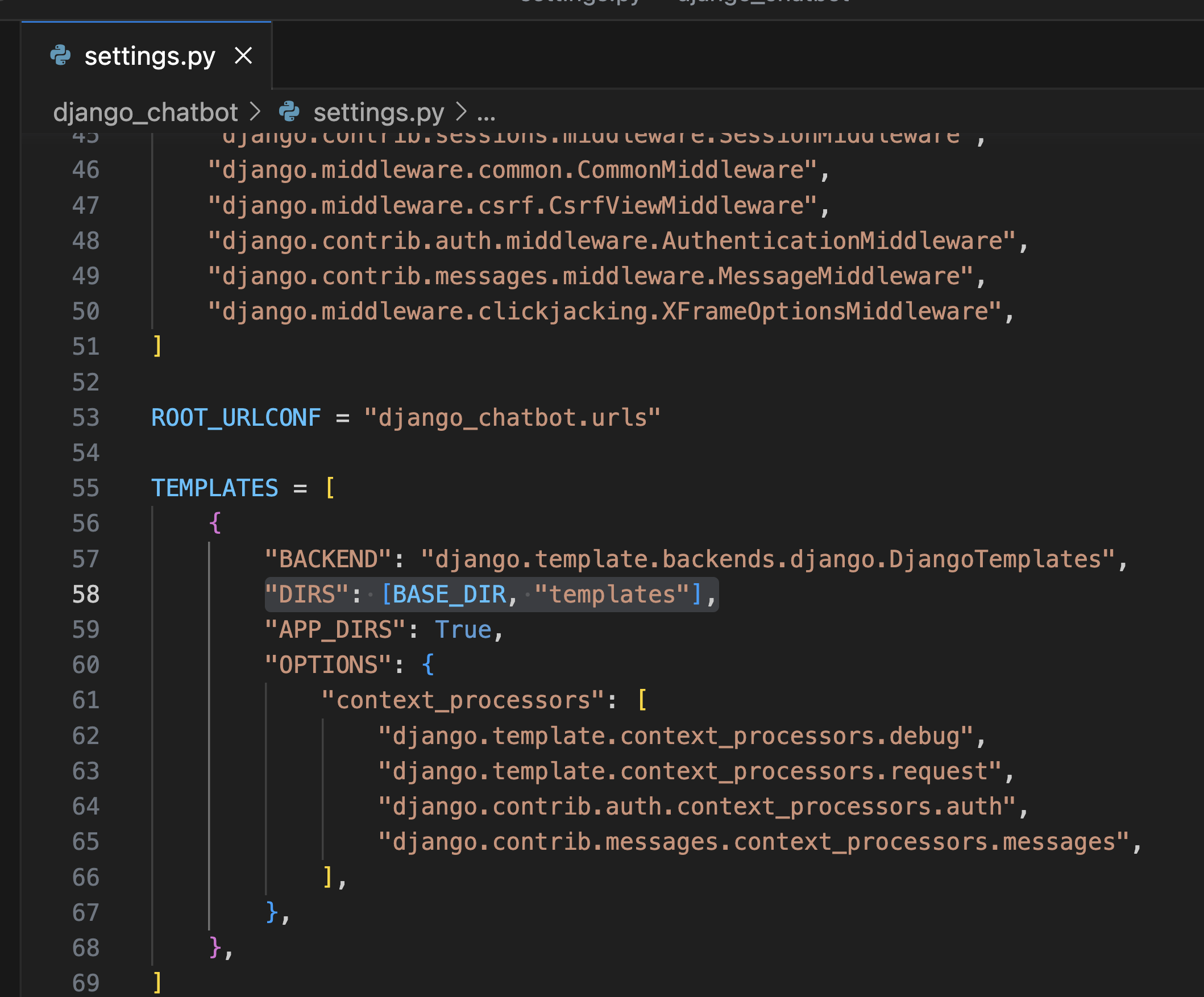
Don't need to care about this error
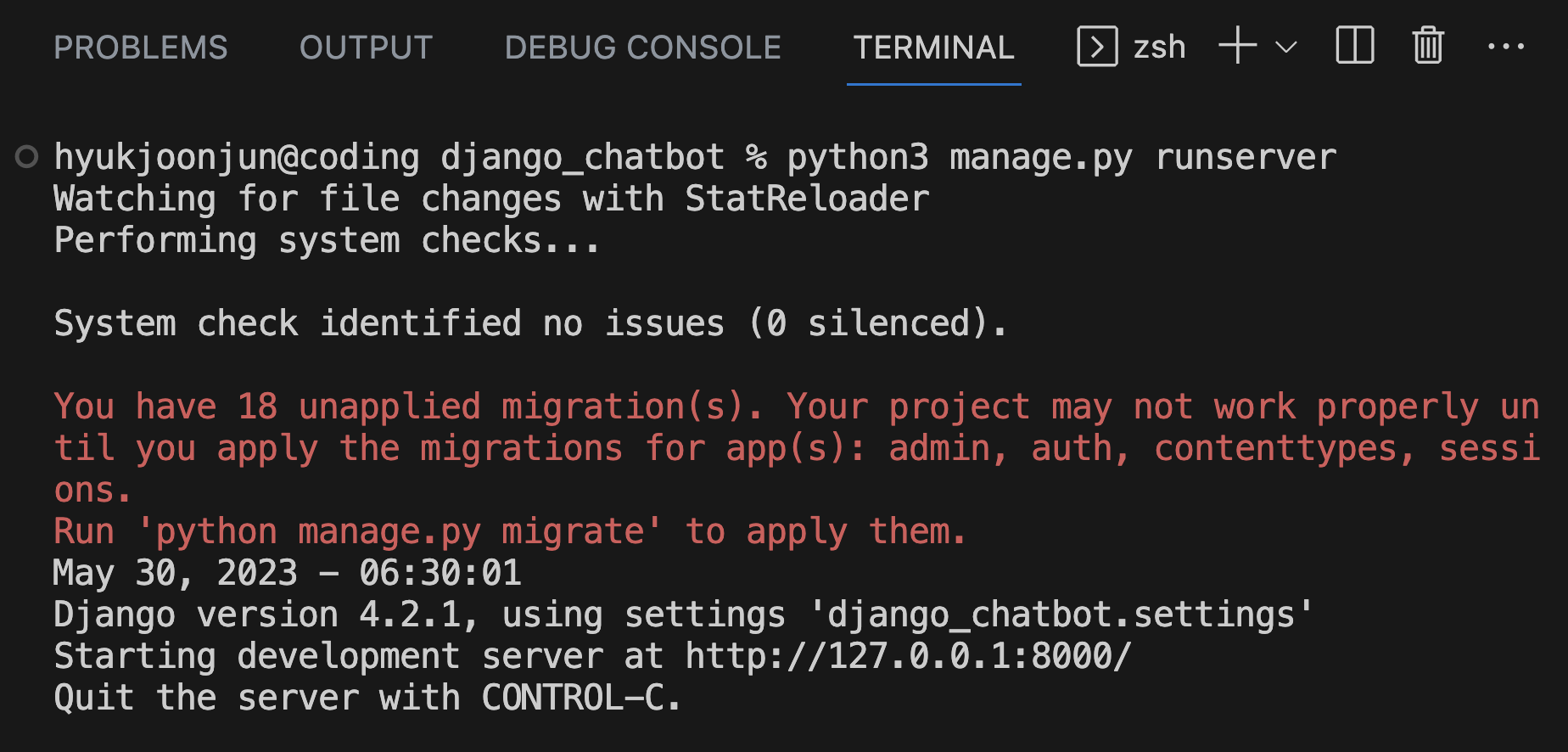
Frontend Integration & Project Build
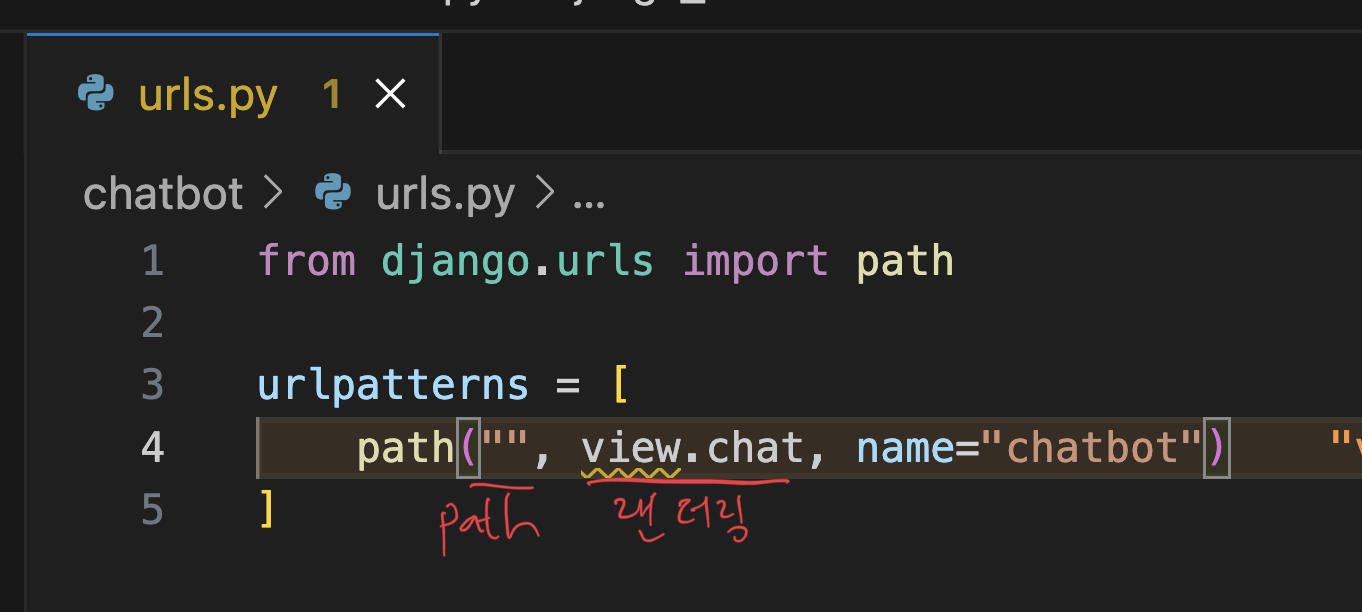
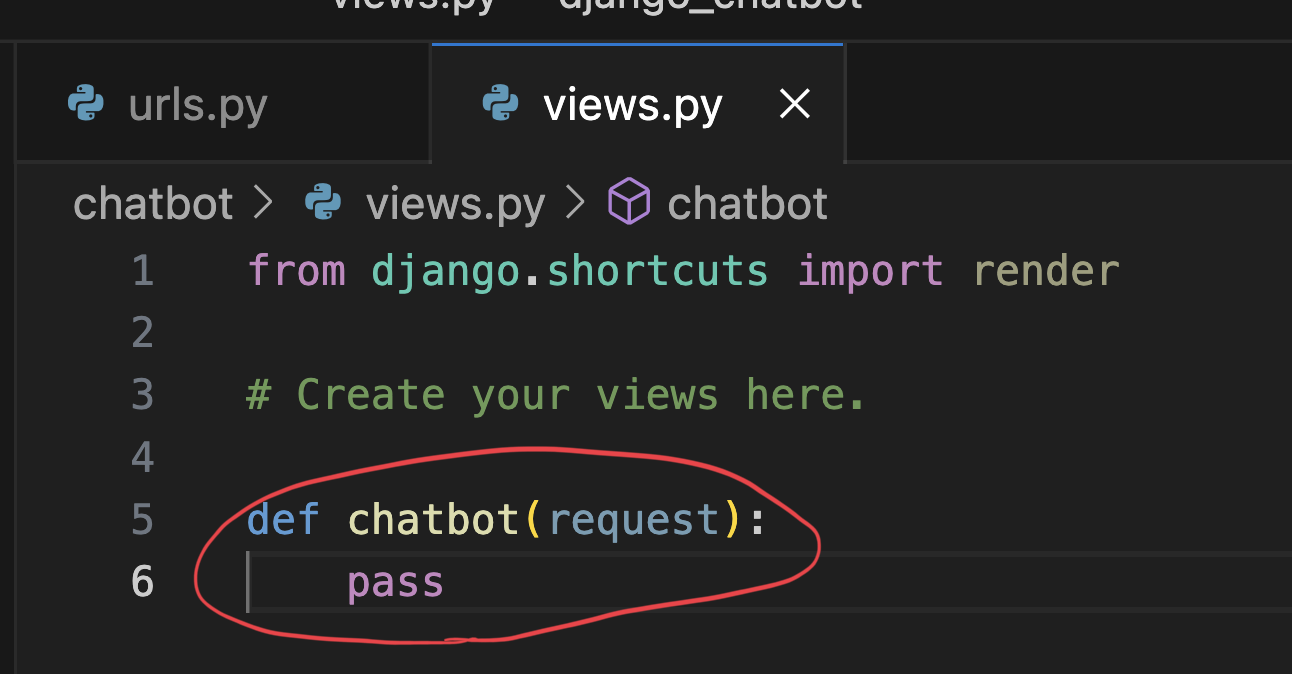

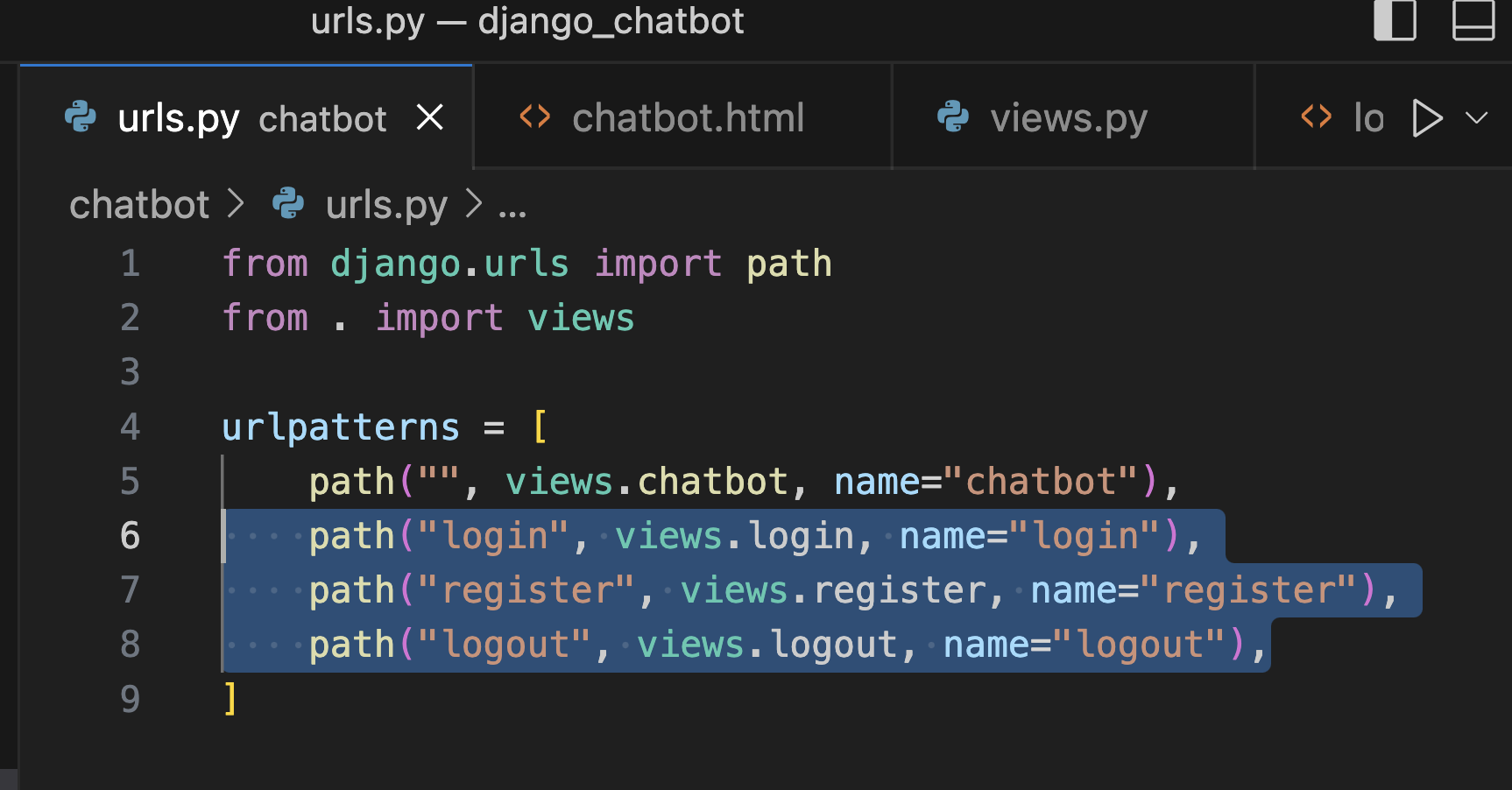
Main project에서 URL랜더링 할 수 있게 해야함

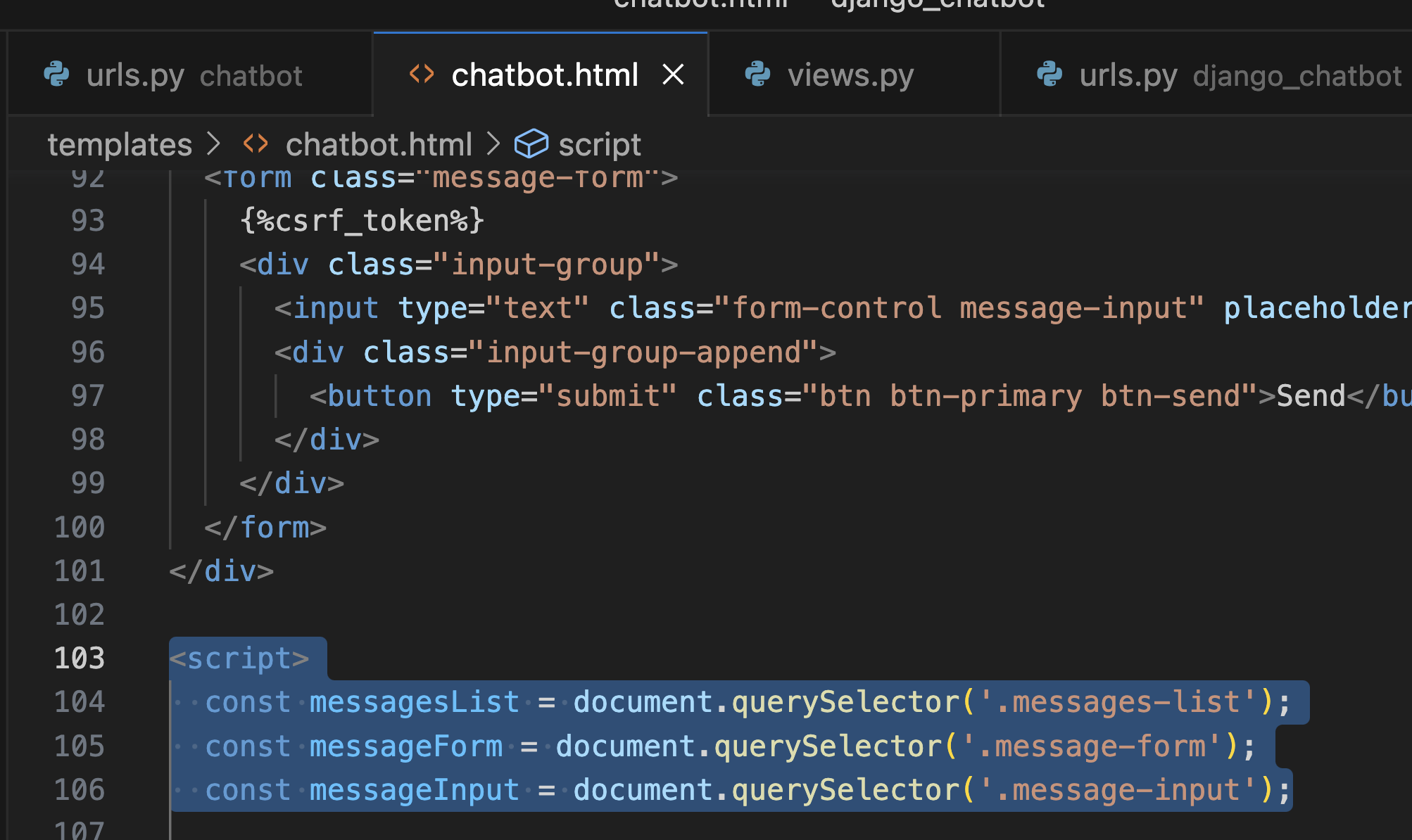

Login & Registration

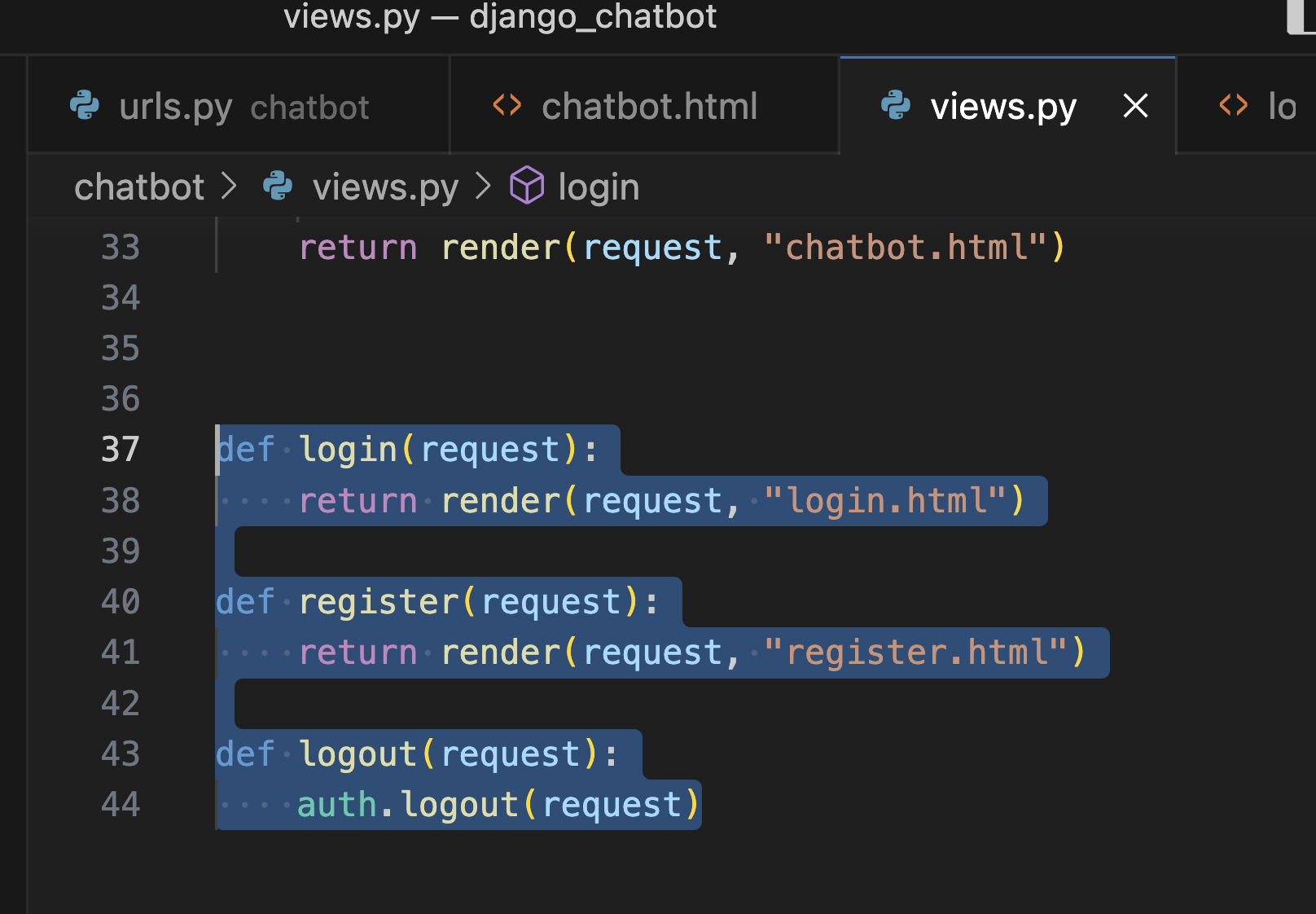
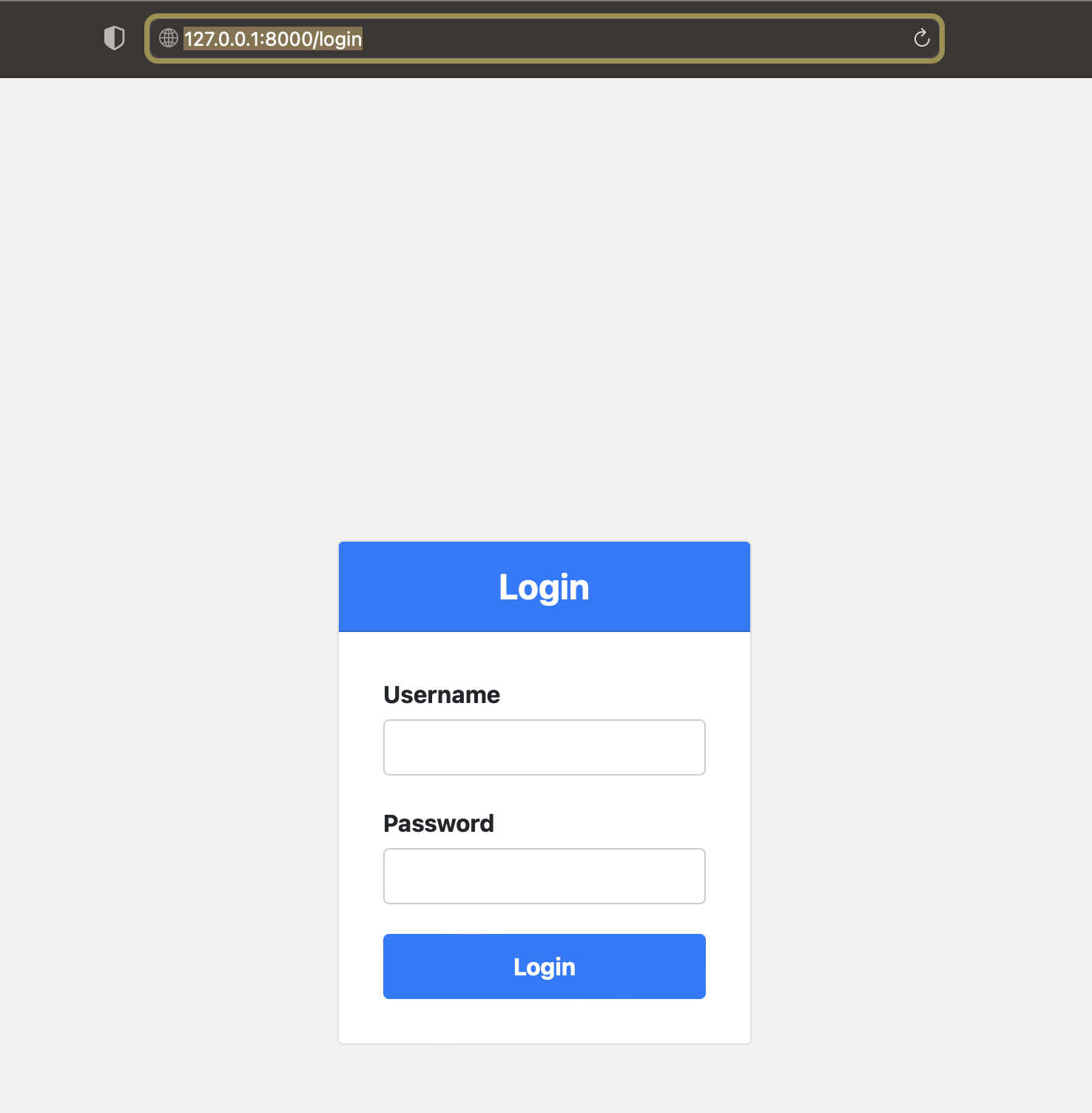
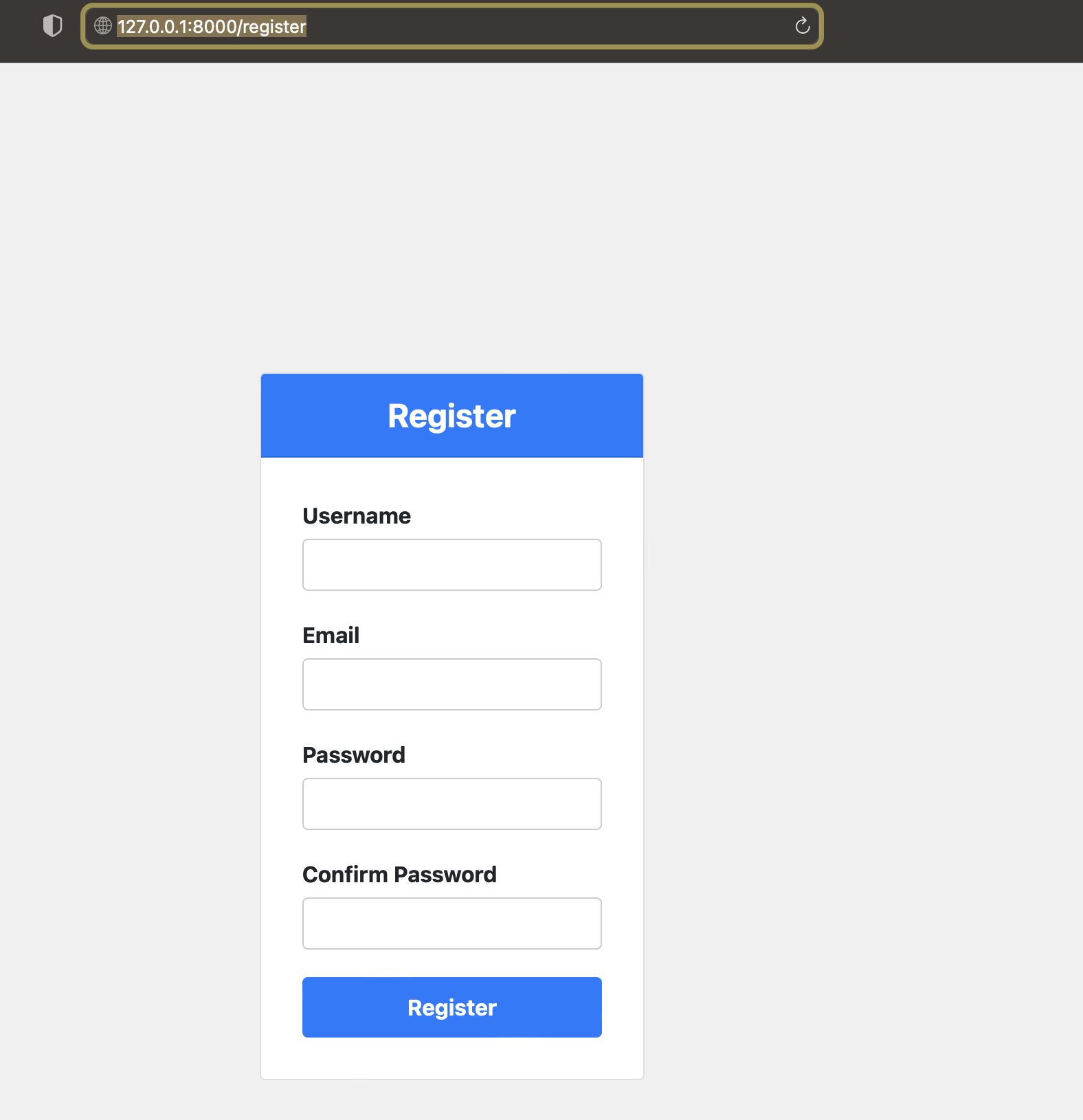
https://github.com/supruri/django_chatbot
To make the gitignore file
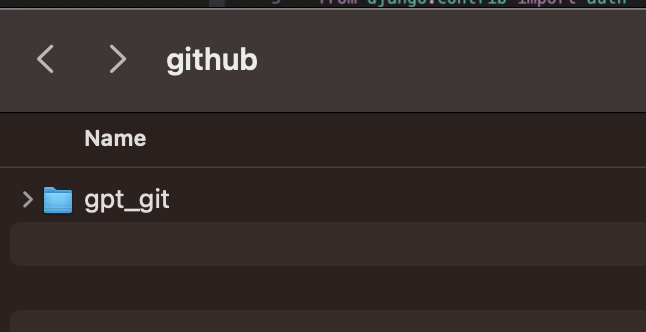
Github directory먼저 만들고 거기서 Git clone http URL히여 위와 같은 파일 생성
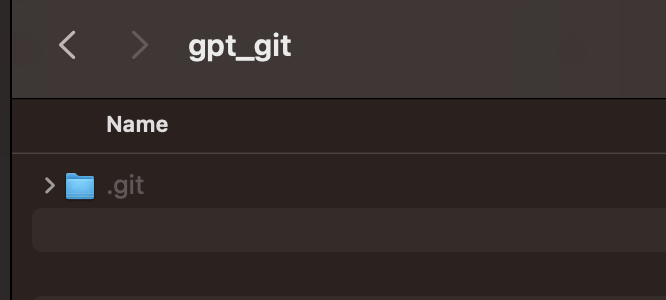
코드 파일 옮기기
Git clone http URL하고
아래 Ignore관련코드 작성
from ..config import openai_api_key, SECRET_KEY
# Use SECRET_API_KEY in your Django settings
gitignore_openai_api_key = openai_api_key
# SECURITY WARNING: keep the secret key used in production secret!
gitignore_SECRET_KEY = SECRET_KEY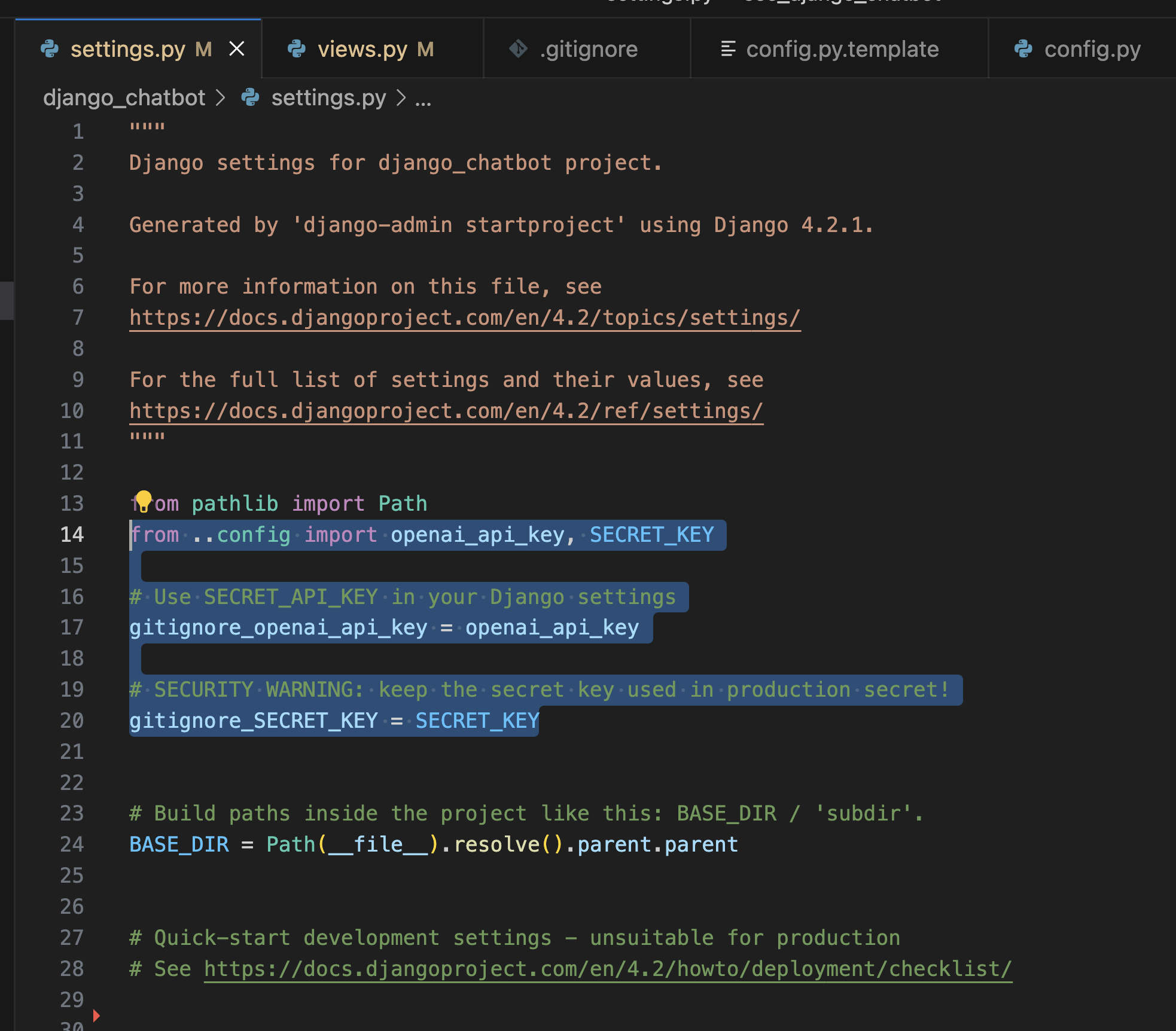

from ..config import openai_api_key
# Ignore the config.py file that stores sensitive information
/sec_django_chatbot/config.py
# Ignore any compiled Python files
*.pyc
# Ignore the __pycache__ directory
__pycache__/

openai_api_key = "actual-secret-key-value"
SECRET_KEY = "actual-secret-key-value"
끝나면
Git add --all
Git commit
Git push
순서로 진행
728x90
반응형
'Programing > AI' 카테고리의 다른 글
| chatgpt API 카카오 adfit 등록하기 (0) | 2023.04.27 |
|---|---|
| chatgpt API 서비스 실전 deploy (0) | 2023.04.27 |
| NodeJS + Chatgpt API2 (0) | 2023.04.26 |
| NodeJS + Chatgpt API (0) | 2023.04.26 |
'Programing/AI' Related Articles
more


Comments