스마트시대
26 VIDEO UPLOAD 26.1 VideosRepository 26.2 uploadVideoProvider 26.3 Cloud Functions 26.4 ffmpeg 26.5 publicUrl 본문
26 VIDEO UPLOAD 26.1 VideosRepository 26.2 uploadVideoProvider 26.3 Cloud Functions 26.4 ffmpeg 26.5 publicUrl
스마트시대 2023. 6. 1. 18:58
import 'dart:io';

import 'package:cloud_firestore/cloud_firestore.dart';
import 'package:firebase_storage/firebase_storage.dart';
import 'package:flutter_riverpod/flutter_riverpod.dart';

//(26.1)
class VideosRepository {
  final FirebaseFirestore _db = FirebaseFirestore.instance;
  final FirebaseStorage _storage = FirebaseStorage.instance;

  // upload a video file

  UploadTask uploadVideoFile(File video, String uid) {
    final fileRef = _storage.ref().child(
          "/videos/$uid/${DateTime.now().millisecondsSinceEpoch.toString()}",
        );
    return fileRef.putFile(video);
  }

  // create a video document
}

final videosRepo = Provider((ref) => VideosRepository());
import 'dart:async';
import 'dart:io';

import 'package:flutter_riverpod/flutter_riverpod.dart';
import 'package:tiktok_clone/features/authentication/repos/authentication_repo.dart';
import 'package:tiktok_clone/features/videos/repos/videos_repo.dart';

//(26.1)
class UploadVideoViewModel extends AsyncNotifier<void> {
  late final VideosRepository _repository;

  @override
  FutureOr<void> build() {
    _repository = ref.read(videosRepo);
  }

  Future<void> uploadVideo(File video) async {
    final user = ref.read(authRepo).user;
    state = const AsyncValue.loading();
    state = await AsyncValue.guard(() async {
      await _repository.uploadVideoFile(
        video,
        user!.uid,
      );
    });
  }
}

class VideoModel {
  //String title;
  //VideoModel({required this.title});

  //(26.1)
  --------------------------------
  final String title;
  final String description;
  final String fileUrl;
  final String thumbnailUrl;
  final String creatorUid;
  final int likes;
  final int comments;
  final int createdAt;

  VideoModel({
    required this.title,
    required this.description,
    required this.fileUrl,
    required this.thumbnailUrl,
    required this.creatorUid,
    required this.likes,
    required this.comments,
    required this.createdAt,
  });
    --------------------------------
}
26.2 uploadVideoProvider
  final String fileUrl;
  final String thumbnailUrl;
  final String creatorUid;

  ------------------
  //(26.2)
  final String creator;
    ------------------


  final int likes;
  final int comments;
  final int createdAt;
@@ -17,5 +18,20 @@ class VideoModel {
    required this.likes,
    required this.comments,
    required this.createdAt,


      ------------------
        //(26.2)
    required this.creator,
      ------------------
  });


  ------------------
    //(26.2)
  Map<String, dynamic> toJson() {
    return {
      "title": title,
      "description": description,
      "fileUrl": fileUrl,
      "thumbnailUrl": thumbnailUrl,
      "creatorUid": creatorUid,
      "likes": likes,
      "comments": comments,
      "createdAt": createdAt,
      "creator": creator,
        ------------------


    };
  }
}
    _repository = ref.read(videosRepo);
  }

----------------------
//(26.2)
  //Future<void> uploadVideo(File video) async {
  Future<void> uploadVideo(File video, BuildContext context) async {
  ----------------------


    final user = ref.read(authRepo).user;
    //state = const AsyncValue.loading();
    //state = await AsyncValue.guard(() async {
      //await _repository.uploadVideoFile(
        //video,
        //user!.uid,
      //);
    //});

    ----------------------
    //(26.2)
    final userProfile = ref.read(usersProvider).value;
    if (userProfile != null) {
      state = const AsyncValue.loading();
      state = await AsyncValue.guard(() async {
        final task = await _repository.uploadVideoFile(
          video,
          user!.uid,
        );
        if (task.metadata != null) {
        //디비에 내용 저장
          await _repository.saveVideo(
            VideoModel(
              title: "From Flutter!",
              description: "Hell yeah!",
              //firefuntion에서 생성되는 url처리
              fileUrl: await task.ref.getDownloadURL(),
              thumbnailUrl: "",
              creatorUid: user.uid,
              likes: 0,
              comments: 0,
              createdAt: DateTime.now().millisecondsSinceEpoch,
              creator: userProfile.name,
            ),
          );
          context.pushReplacement("/home");
        }
      });
    }
  }
}
----------------------

----------------------
//(26.2)
final uploadVideoProvider = AsyncNotifierProvider<UploadVideoViewModel, void>(
  () => UploadVideoViewModel(),
);
----------------------
    return fileRef.putFile(video);
  }

----------------
//(26.2)
  // create a video document
  Future<void> saveVideo(VideoModel data) async {
    await _db.collection("videos").add(data.toJson());
  }
}
----------------


final videosRepo = Provider((ref) => VideosRepository());
  Future<void> uploadVideo() async {
    state = const AsyncValue.loading();
    await Future.delayed(const Duration(seconds: 2));
    -------------------
    //(26.2) riverpod예제 잔재 삭제(지금만)
    //final newVideo = VideoModel(title: "${DateTime.now()}");
    //_list = [..._list, newVideo];

    _list = [..._list];
        -------------------
    state = AsyncValue.data(_list);

  }

  void _onUploadPressed() async {
  -------------------
  //(26.2)
    //ref.read(timelineProvider.notifier).uploadVideo();
    ref.read(uploadVideoProvider.notifier).uploadVideo(
          File(widget.video.path),
          context,
        );
          -------------------
  }

  @override


IconButton(
  -------------------
  //(26.2)
            //onPressed: ref.watch(timelineProvider).isLoading
            onPressed: ref.watch(uploadVideoProvider).isLoading
              -------------------


                ? () {}
                : _onUploadPressed,


                  -------------------
                    //(26.2)
            //icon: ref.watch(timelineProvider).isLoading
            icon: ref.watch(uploadVideoProvider).isLoading
              -------------------
                ? const CircularProgressIndicator()
                : const FaIcon(FontAwesomeIcons.cloudArrowUp),
          )
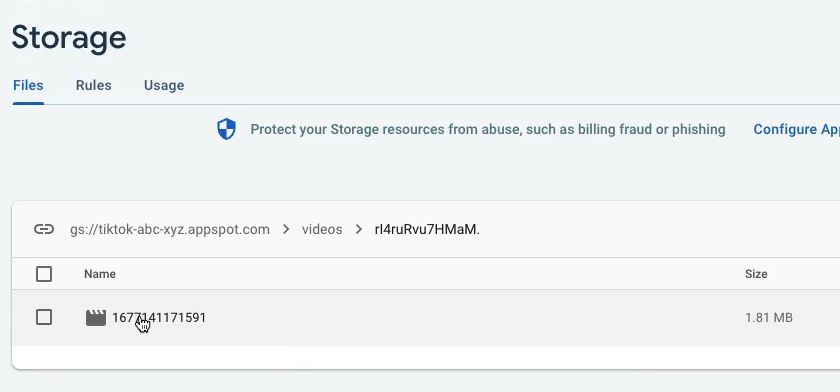
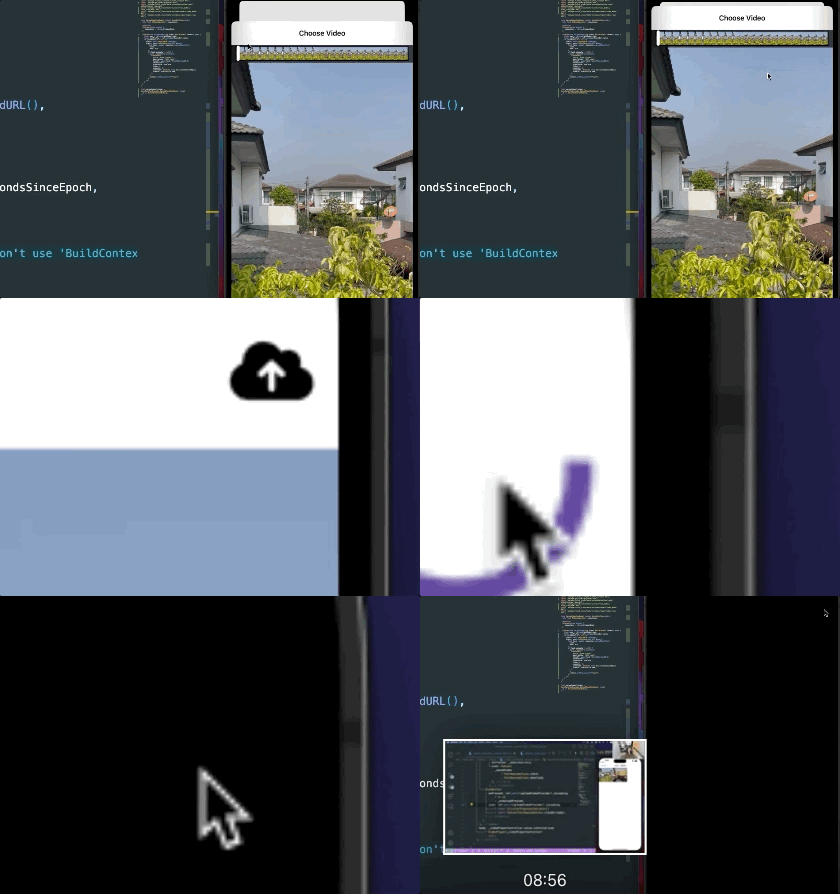
firestore에서 videos collection에 새 documenet가 있는지 확인하고
새 도큐멘트가 추가되면 이 파일, 이 영상을 가지고,
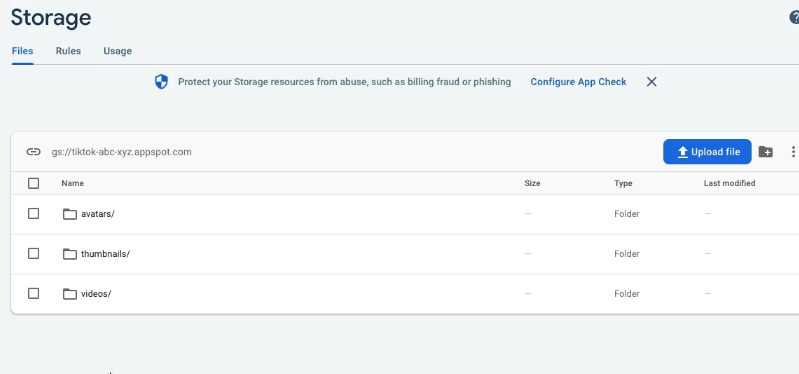
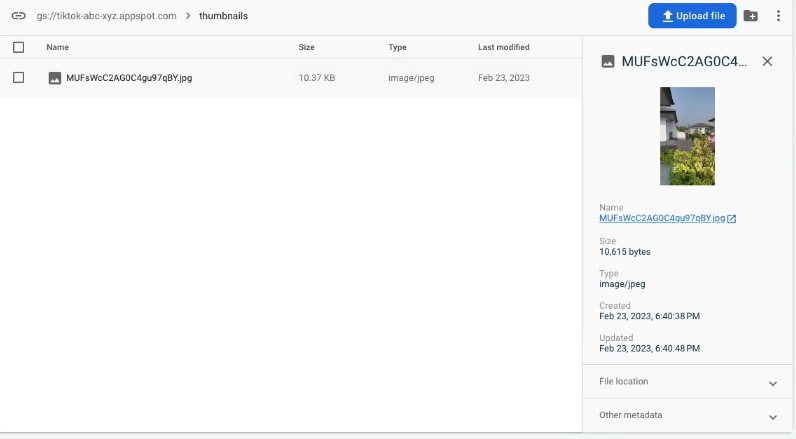
썸네일을 추출하고 난 다음 썸네일을 새로운 thumbnails라는 폴더에 넣고
그 URL을 thumbnailUrl: ’’ 에 넣는다.
26.3 Cloud Functions
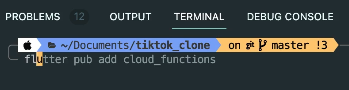

overwrite 하자
그다음 node.js설치하자
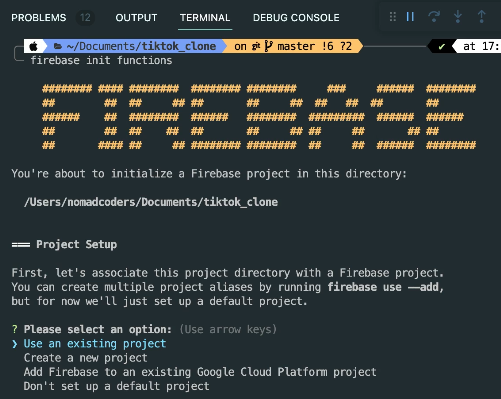

TS에 다음과 같이 입력

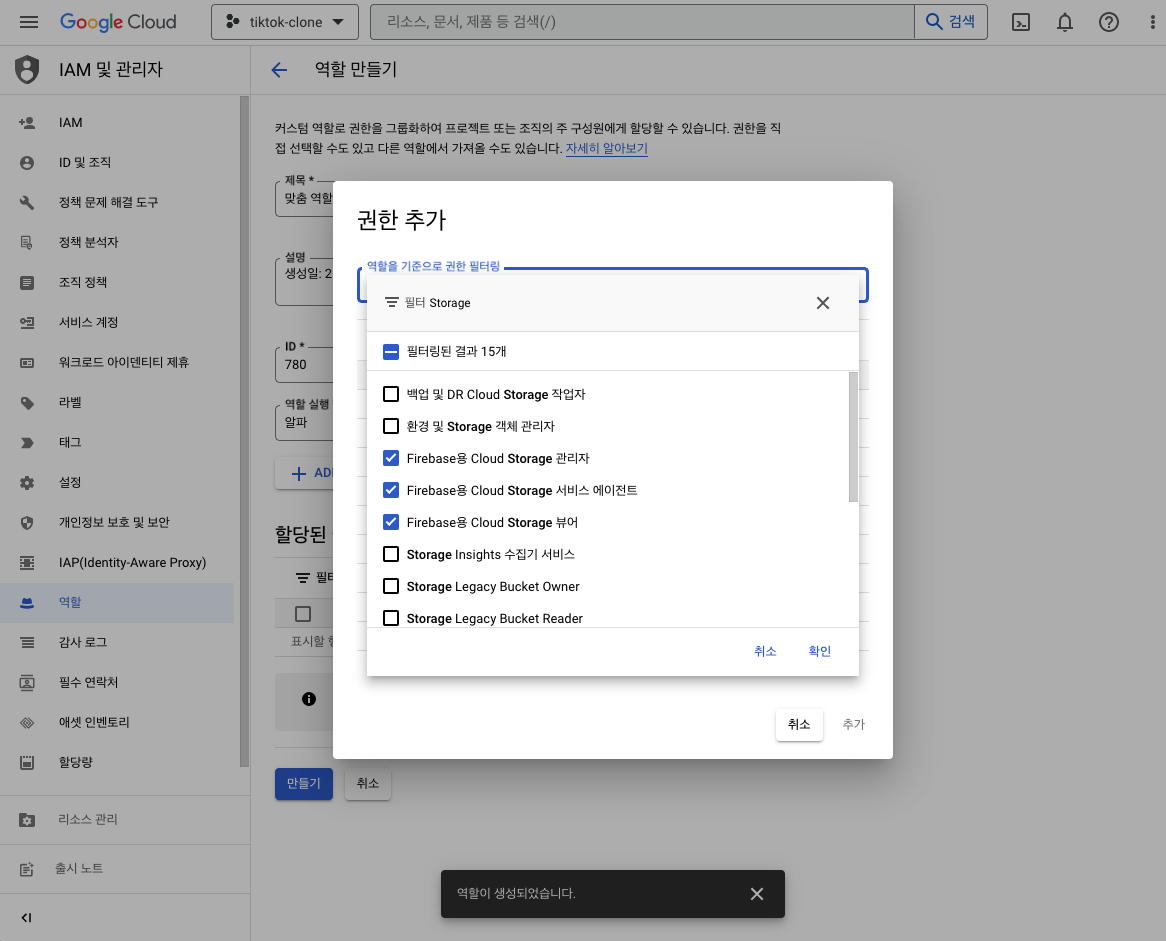
storage등 권한 에러가 나오면 여기서 처리하기
firebase deploy --only functions
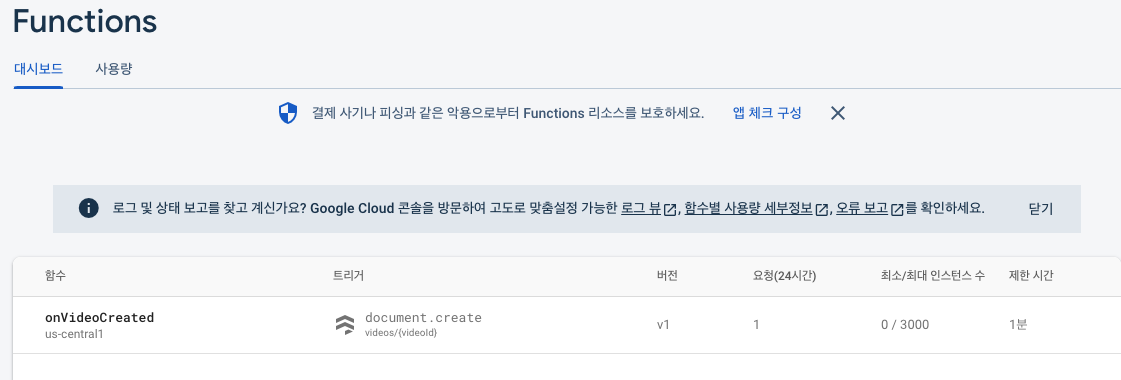
비디오를 업로드하면 hello funtion이 보이게 된다.

26.4 ffmpeg
노드JS에서 제공하고 있는 서버로 임의로 커스텀할 수 없는 서버에서 개발 진행한다.
https://stackoverflow.com/questions/42773497/can-you-call-out-to-ffmpeg-in-a-firebase-cloud-function firebase functions가 더 이상 ffmpeg를 기본적으로 지원하지 않는다고 함. 따라서 ffmpeg가 기본적으로 설치된 버전
을 사용하고 싶다면 우분투 v18.04를 사용하고 있는지 확인해야함 . package.json에서 engines필드에 node 버전을 16으로 낮추면됨

https://nodejs.org/en/download
여기서도 16으로 다운 받아야할 듯
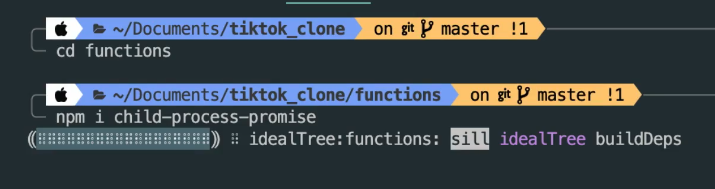
https://www.npmjs.com/package/child-process-promise
그 다음 여기서 코드 등록해야 된다.
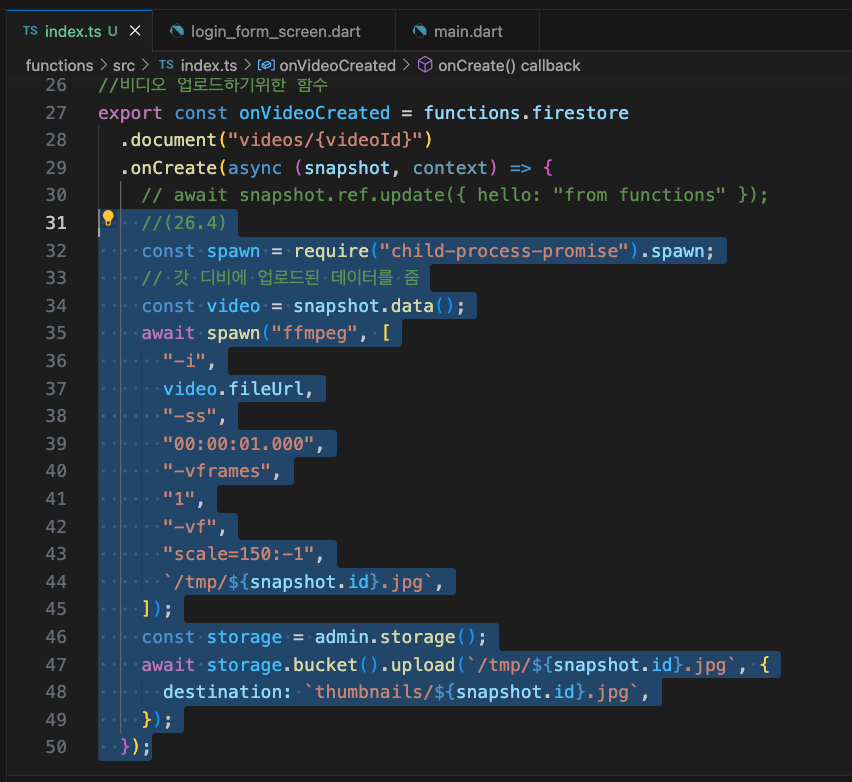
video.fileUrl부터 의미는
사용자가 업로드한 영상을 입력으로 가져와서,
1초 시간대로 이동해서,
첫번째 프레임을 가져와
영상 필터를 추가함(scale=150:-1 라는 화질 낮은)
마지막으로 결과물인 이미지를 어디에 저장할 건지 쓴다.
중요: 구글클라우드에서 코드가 돌아가는 동안 임시 파일 저장소에 접근가능(코드가 끝나면 접근 불가하니 계속 조회해야할 필요가 있는 걸 거기 넣으면 안됨)
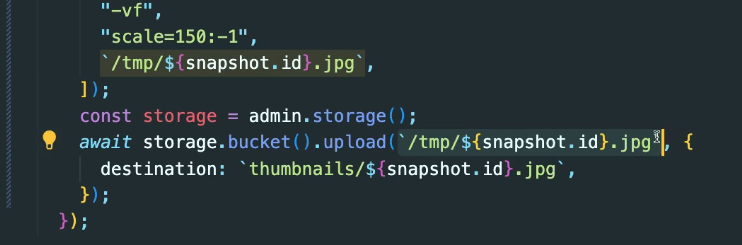
중요2. 이 두 경로는 무조건 똑같아야함(upload함수가 진짜로 tmp폴더로 가서 이 파일 찾기 떄문)

firebase deploy --only functions
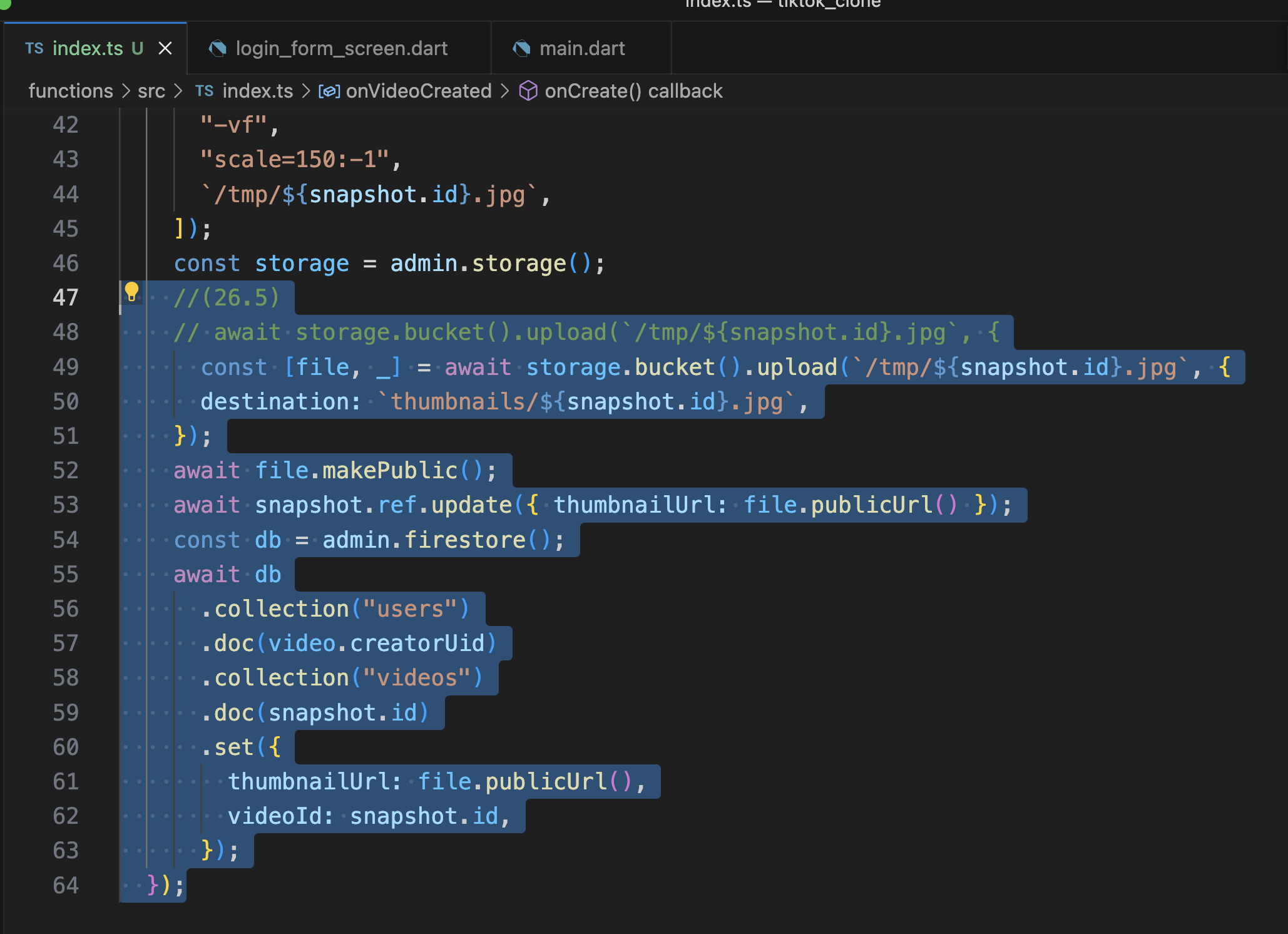
26.5 publicUrl
Nosql의 처리과정 코딩
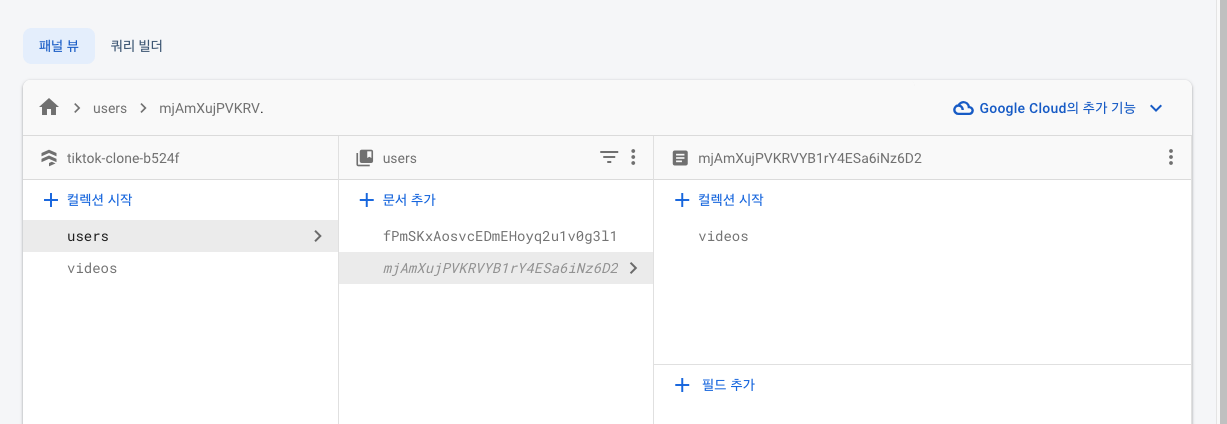
users에 가서,
영상을 만든 사용자를 찾아서,
그 사용자 내에 collection을 만들어서,
만들어진 영상의 id를 가지고 document를 만들어서
thumbnailUrl이랑 videoId만 놓았다.
다시 비디오를 업로드해보고 확인해보면
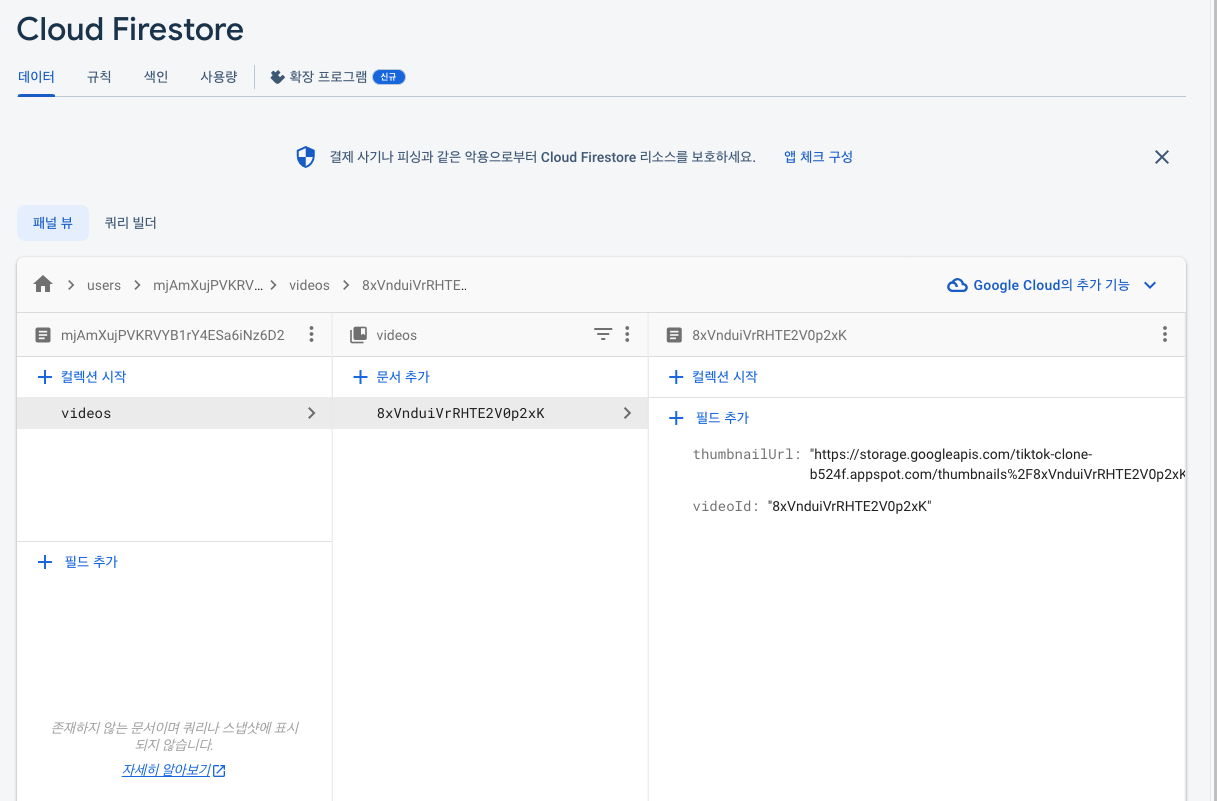
documentID videoID같은 거 확인 가능
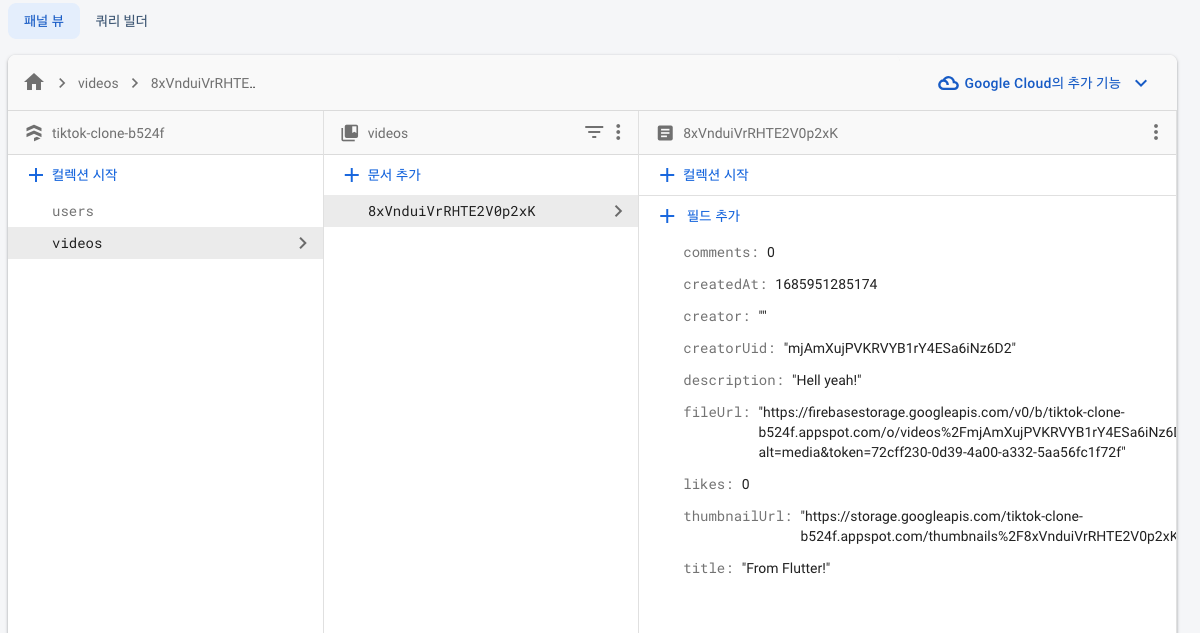
/**
 * Import function triggers from their respective submodules:
 *
 * import {onCall} from "firebase-functions/v2/https";
 * import {onDocumentWritten} from "firebase-functions/v2/firestore";
 *
 * See a full list of supported triggers at https://firebase.google.com/docs/functions
 */

// import {onRequest} from "firebase-functions/v2/https";
// import * as logger from "firebase-functions/logger";

import * as functions from "firebase-functions";
import * as admin from "firebase-admin";

// Start writing functions
// https://firebase.google.com/docs/functions/typescript

// export const helloWorld = onRequest((request, response) => {
//   logger.info("Hello logs!", {structuredData: true});
//   response.send("Hello from Firebase!");
// });

admin.initializeApp();

//비디오 업로드하기위한 함수
export const onVideoCreated = functions.firestore
  .document("videos/{videoId}")
  .onCreate(async (snapshot, context) => {
    // await snapshot.ref.update({ hello: "from functions" });
    //(26.4)
    const spawn = require("child-process-promise").spawn;
    // 갓 디비에 업로드된 데이터를 줌
    const video = snapshot.data();
    await spawn("ffmpeg", [
      "-i",
      video.fileUrl,
      "-ss",
      "00:00:01.000",
      "-vframes",
      "1",
      "-vf",
      "scale=150:-1",
      `/tmp/${snapshot.id}.jpg`,
    ]);
    const storage = admin.storage();
    //(26.5)
    // await storage.bucket().upload(`/tmp/${snapshot.id}.jpg`, {
      const [file, _] = await storage.bucket().upload(`/tmp/${snapshot.id}.jpg`, {
      destination: `thumbnails/${snapshot.id}.jpg`,
    });
    await file.makePublic();
    await snapshot.ref.update({ thumbnailUrl: file.publicUrl() });
    const db = admin.firestore();
    await db
      .collection("users")
      .doc(video.creatorUid)
      .collection("videos")
      .doc(snapshot.id)
      .set({
        thumbnailUrl: file.publicUrl(),
        videoId: snapshot.id,
      });
  });
github에 올릴 때 여기 apikey 조심하기